Three key features in October
More efficient classification saves time at the start of a project
Lextract analyses each document as soon as it is imported, without your team having to classify it first. While the rest of the data room is still arriving, the first documents already appear in the document list with their document type and entity. Once the analysis is complete, Lextract determines the group company from the parties to the contract.
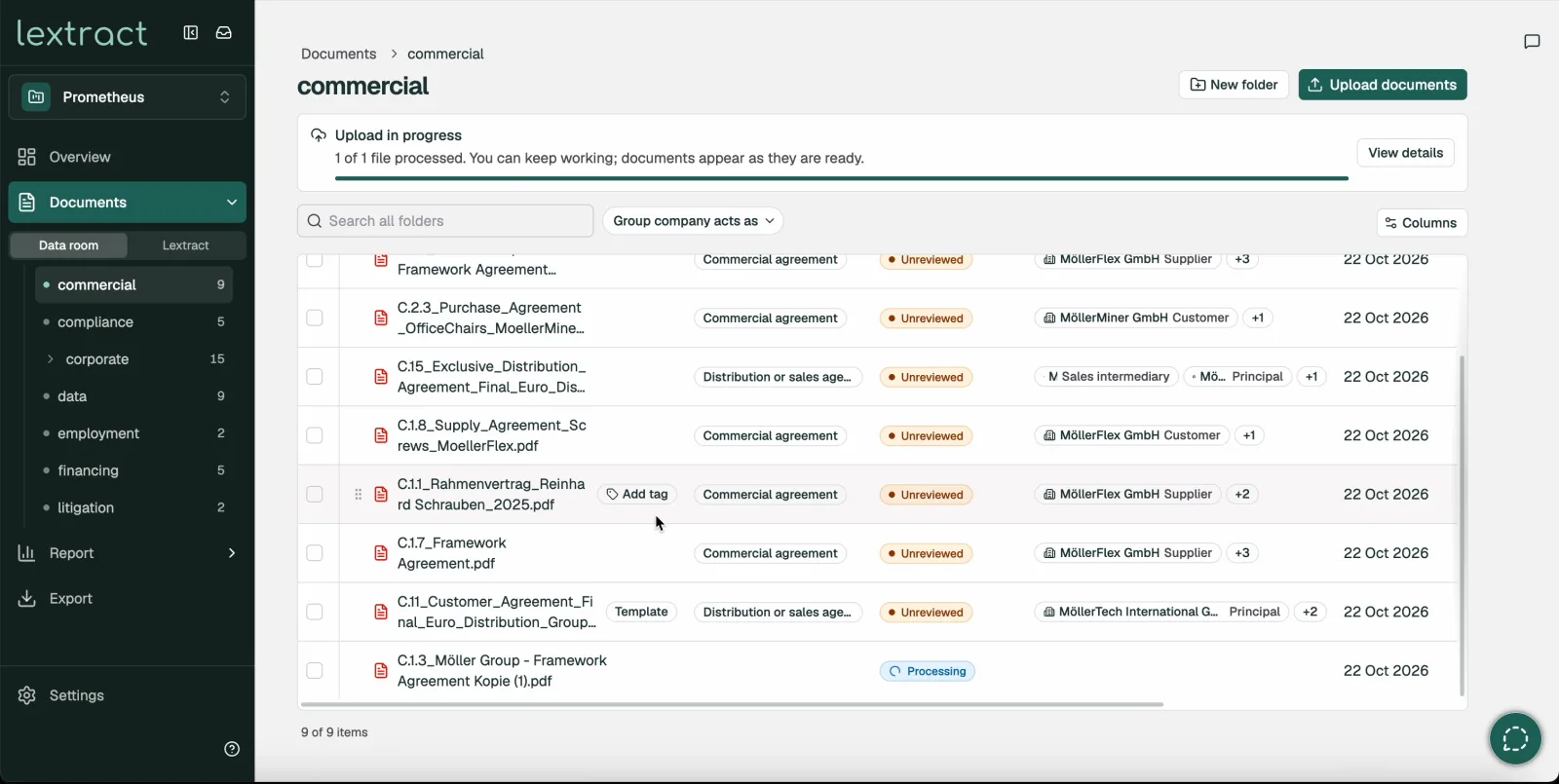
Where Lextract cannot allocate a document with certainty, it continues with the most likely result and shows the document in the ‘Inbox’ for you to confirm. If parties appear that do not yet belong to any group company, Lextract suggests adding them as a new group company. The decision is yours, and Lextract does not add them automatically. As before, a document is only included in the report once someone in your team has marked it as reviewed.
Your data room’s folder structure, now in Lextract too
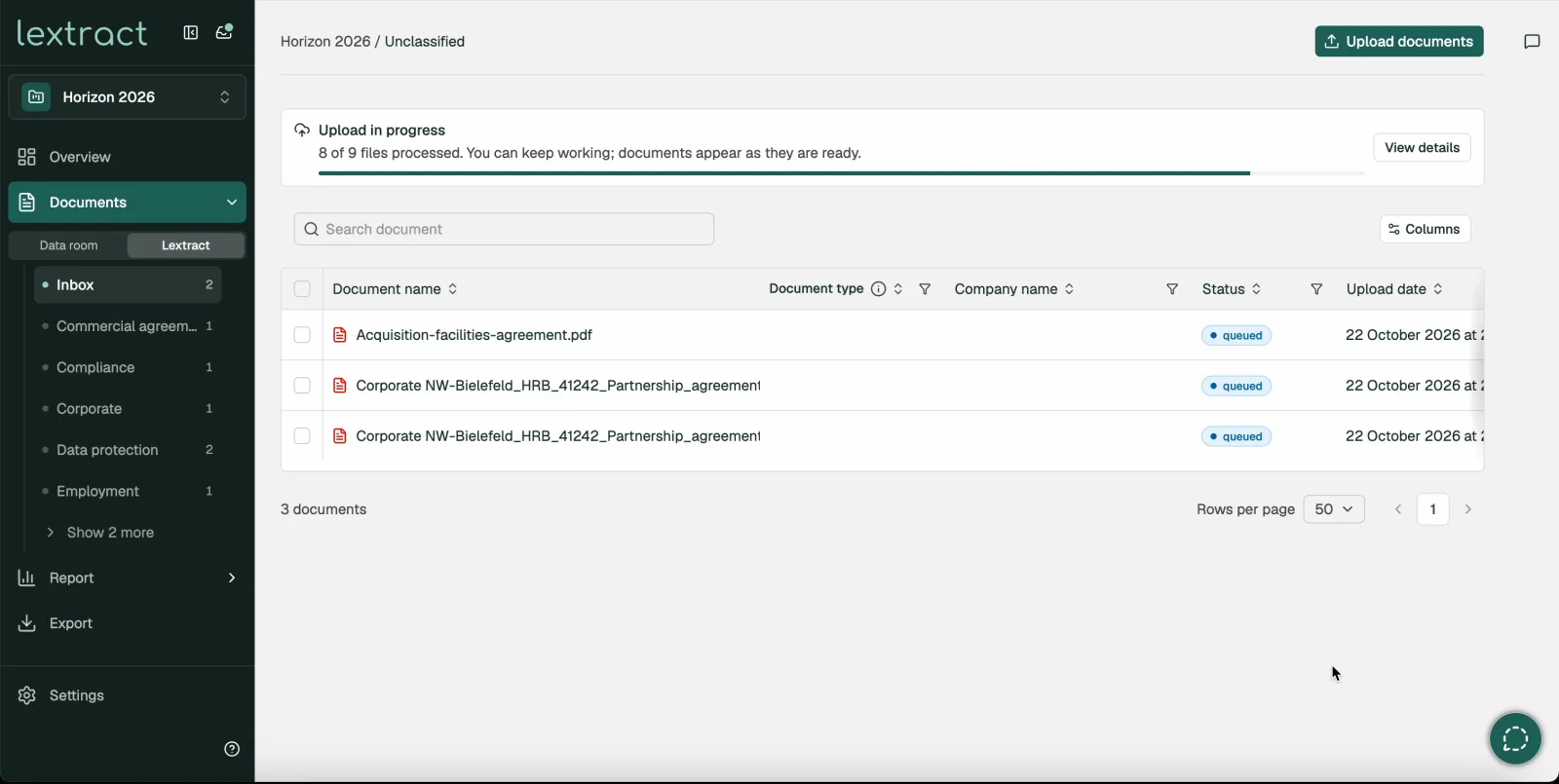
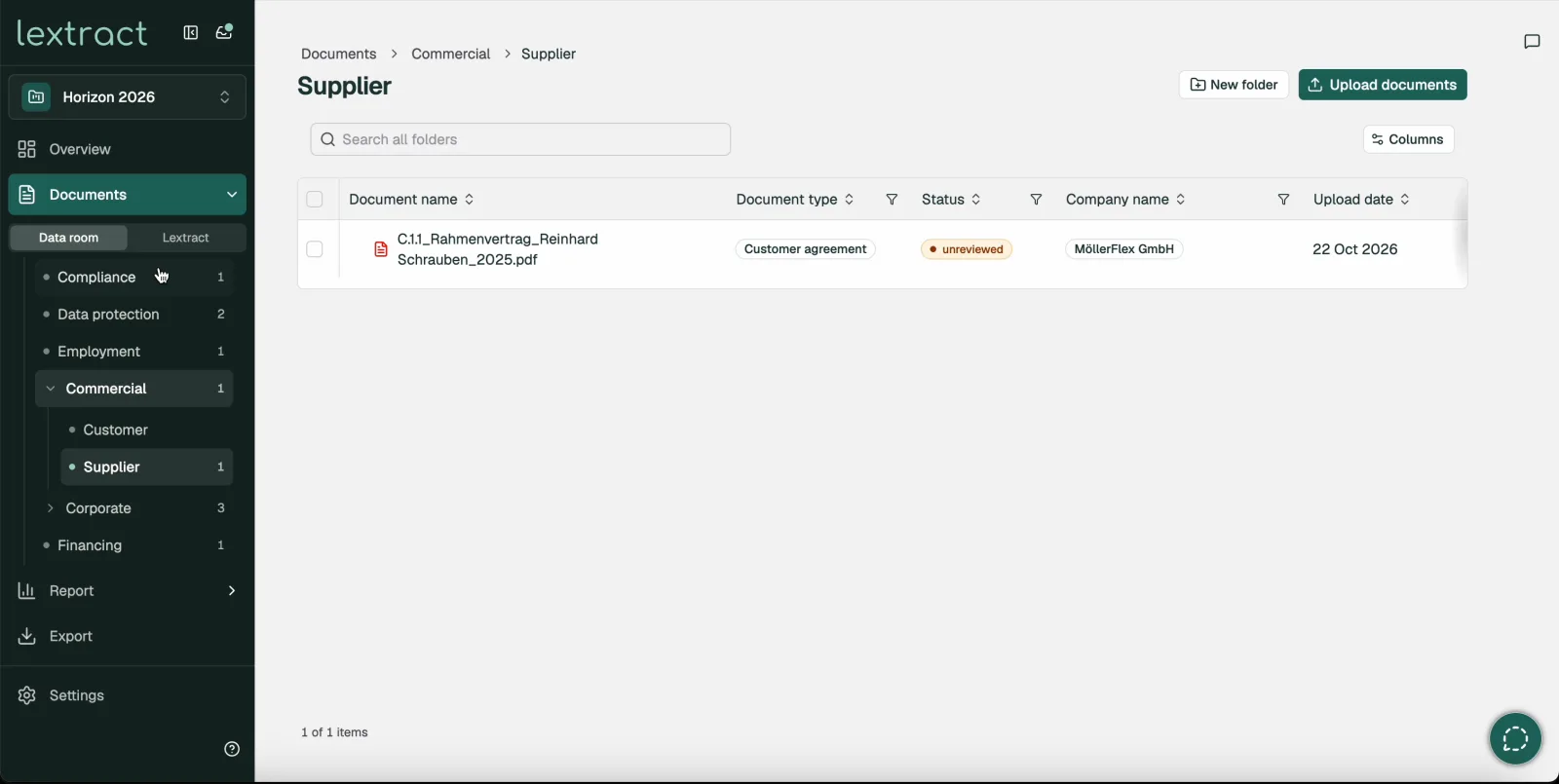
Lextract adopts your data room’s folder structure as it was set up, including numbering such as ‘3.2 Customers’. This applies to uploaded folders, ZIP files and VDR imports. With one click you can now switch between two views: the data room’s folder structure and the classification in Lextract.
New tranches merge into the existing structure or go into a folder you choose. You can create, rename and move folders and documents. Moving a document does not trigger a new analysis, and the original upload path is kept as a record of provenance. Lextract lists duplicate files as a reference to the existing document.
Expanded comments and mentions for better teamwork
You can add comments directly to group companies, documents and tables in the report, down to individual rows, and to generated exports. You can now also mention colleagues with @, and anyone mentioned this way is notified. You reply to comments in threads and resolve each thread once the question is settled. All your own comments are gathered in one place.
Notifications appear in Lextract and, depending on your settings, are also sent by email immediately, as a daily digest or not at all. Comments are visible to the project team and your organisation’s administrators.
Further changes
- Projects
- Project setup no longer includes choosing buy side or sell side, or choosing between Report and Legal Fact Book. You choose Report or Legal Fact Book when you open the report.
- Where the upload history is available, the folder structure is added to existing projects retrospectively.
- Contracts
- Lextract suggests the matching main agreement for amendments and annexes, based on folder, file name and parties. They are only linked once you confirm.